
ShortsNoob: Download YouTube Shorts for Free, No Login Required
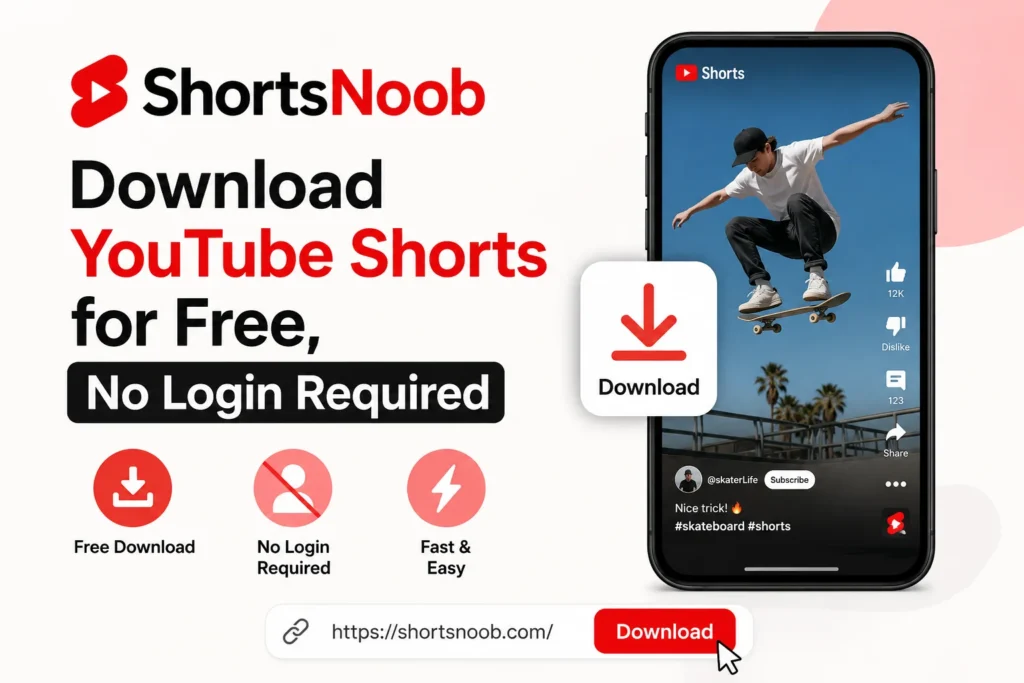
Ever found a YouTube Short you wanted to save, only to realize there’s no built-in download button? That’s the exact gap ShortsNoob fills.
ShortsNoob is a free, browser-based tool for saving YouTube. Shorts videos in their original quality. No app. No sign-up. No YouTube API access to your account. You paste a link, and it hands you back a downloadable file.
What ShortsNoob Actually Does
At its core, this is a link-in, video-out tool. You copy a Shorts URL from YouTube, drop it into the input box on the ShortsNoob homepage, and click download. The site processes the request and gives you a version of the clip you can save straight to your phone, tablet, or computer.
What sets it apart from a lot of similar tools isn’t flashy features. It’s the basics done well: quality retention. Plenty of free downloaders compress videos or cap resolution. This one aims to preserve the original file quality, which matters if you’re saving a clip to repost, study, or archive.
How to Use It (3 Steps)
- Grab the link. Open the Shorts video on YouTube and copy its URL.
- Paste and submit. Head to the ShortsNoob homepage, paste the link, and hit download.
- Save the file. On the results screen, tap the three-dot menu on the video preview and choose download. It’ll land in your device’s default downloads folder or gallery.
That’s it. No account creation, no watching an ad before you’re allowed to proceed on most runs, and no software installation.
Where It Falls Short
Nothing’s perfect, and it’s worth being upfront about the trade-offs. ShortsNoob is built specifically for YouTube Shorts, so if you’re trying to save a TikTok or Instagram Reel, you’ll need a different tool entirely. Some users also report slower processing during high-traffic periods, since the service isn’t running on the kind of infrastructure a paid product would have.
If you’re downloading in bulk, or you regularly need cross-platform support, a dedicated download manager might serve you better long-term. For the occasional Shorts save, though, it does the job without friction.
Is It Safe to Use?
This is the question that actually matters most. Free web-based downloaders have a mixed reputation, and for good reason, some are riddled with ads or sketchy redirects.
ShortsNoob’s setup, no login, no personal data collection, and no software footprint on your device keep the risk profile relatively low. You’re not handing over credentials or installing anything that runs in the background. Still, treat any free downloader the way you’d treat any third-party web tool: use it for what it’s designed for, and skip anything that pushes you toward downloads outside the intended flow.
FAQ
Is ShortsNoob really free? Yes. There’s no subscription or per-download charge. It’s free to use without limits.
Do I need to log in or create an account? No. You don’t need a YouTube login or a ShortsNoob account to download a video.
Does it work on mobile? Yes. It runs in a mobile browser, so you can use it from a phone or tablet without installing an app.
Can I download Instagram Reels or TikToks with it? No. It’s built specifically for YouTube Shorts. You’d need a separate tool for other platforms.
Will the downloaded video lose quality? The tool is designed to preserve the original resolution, unlike many downloaders that compress files automatically.
The Bottom Line
If you just need a fast, no-fuss way to save YouTube Shorts without installing software or logging into anything, ShortsNoob covers that use case well. It’s not built for cross-platform downloading or heavy batch work, but for what it does, it’s straightforward and doesn’t ask much of you in return.






2 thoughts on “ShortsNoob: Download YouTube Shorts for Free, No Login Required”