
What Is Jibyte AI? A Complete Guide to Features and Pricing
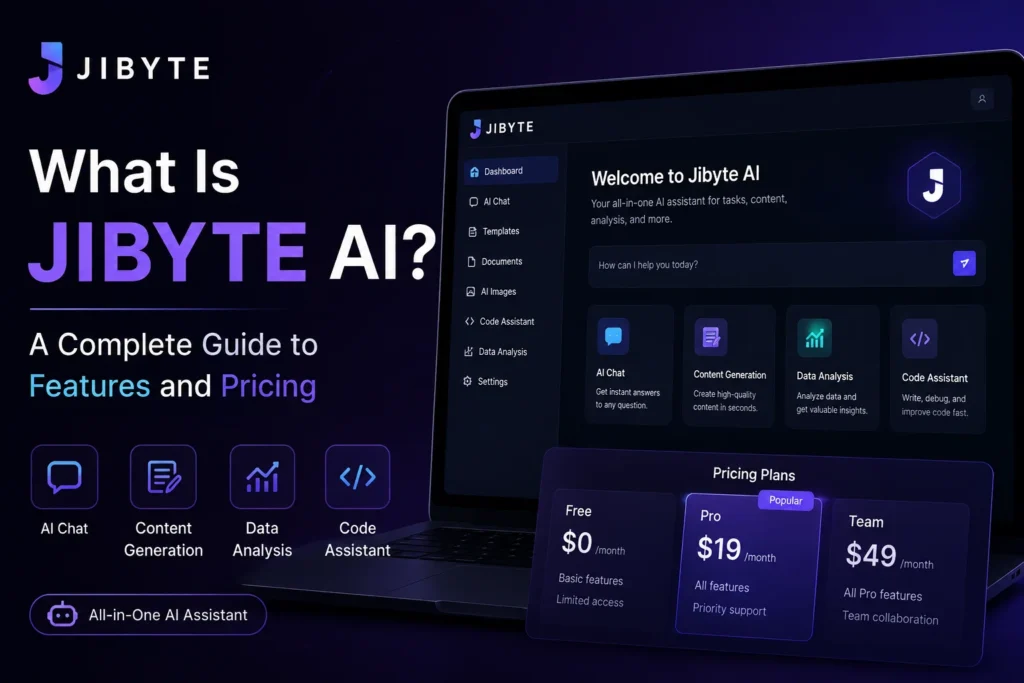
If you’ve come across the name Jibyte while browsing AI tool directories, you’re probably trying to figure out one thing: what does it actually do, and is it worth your time? This guide breaks down the platform in plain terms, covers what it costs, and walks through how to start using it.
What Is Jibyte AI?
Jibyte AI is a cloud-based content and automation platform built around several AI tools bundled into one dashboard. Instead of switching between separate apps for writing, image creation, and code help, the idea is to give creators, developers, and small teams one place to work from.
The platform combines five core functions:
- AI writing and copywriting for blog posts, marketing copy, and general text
- Image generation for visual content
- A chatbot builder for handling customer questions
- Speech-to-text transcription for converting audio into written text
- A code generator that produces snippets across multiple programming languages
Jibyte AI positions itself toward writers, designers, developers, and small businesses that want a lower-cost, all-in-one alternative to running several separate subscriptions.
Who Actually Uses Jibyte AI?
Based on user reviews across software directories, the people getting the most value from Jibyte AI tend to fall into a few groups:
Freelance writers and marketers use it to get past a blank page. Several reviewers mention leaning on it for first drafts of blog posts, ad copy, and social captions, then editing from there rather than publishing the raw output.
Developers use the code generator for quick snippets in different programming languages when they need a starting point rather than a finished solution.
Small teams and solo founders use the combined toolset (chatbot plus copywriting plus images) to cover several content needs without paying for four or five separate tools.
Jibyte AI Features Breakdown
Content and Copywriting
The writing tool generates drafts using template-based prompts. Users can pick a content type, such as a blog intro or product description, fill in a few details, and get a starting draft back. Reviewers note this works best as a jumping-off point rather than a finished, publish-ready piece.
AI Image Generator
The image tool produces visuals for marketing materials, social posts, and general design use. It’s built into the same dashboard as the writing tools, so you’re not exporting content between separate apps.
AI Chatbot Builder
The chatbot feature lets businesses set up automated responses for common customer questions, useful for basic support or lead capture without hiring a dedicated support tool.
Speech-to-Text
This converts recorded audio into text, which is handy for turning interviews, voice memos, or meeting recordings into usable written content.
AI Code Generator
Developers can request code snippets across multiple programming languages. It’s aimed at speeding up repetitive coding tasks rather than replacing a full development workflow.
Jibyte AI Pricing
Pricing sits at the lower end of the AI tool market, which is part of the appeal for budget-conscious users. Based on current listings:
| Plan | Price | What’s Included |
|---|---|---|
| Free / Demo | $0 | Limited access to test core features |
| Standard | Around $5.99/month | 50 templates, 10,000 words, 20 images, GPT-3.5 access |
| Pro | Around $10.99/month | 50 templates, 25,000 words, 250 images, GPT-4 access, premium templates |
Pricing details are pulled from third-party listing sites and may have changed since publication, so it’s worth confirming current rates directly on jibyte.ai before signing up.
How to Get Started With Jibyte AI
- Sign up for the free demo. This lets you explore the dashboard and test the writing, image, and chatbot tools before committing to a paid plan.
- Pick the tool that matches your immediate need. If you’re testing copywriting, start there rather than trying every feature at once.
- Use templates as a starting point, not a final draft. Reviewers consistently mention that output needs editing for tone and to remove repetitive phrasing.
- Check your word and image limits. Standard and Pro plans cap monthly usage, so heavy users may hit limits during busier content months.
- Upgrade only once you’ve confirmed the free tier covers your actual workflow, not just what looks useful on paper.
Pros and Cons
What users like:
- Combines multiple content tools (text, image, chat, code) in one dashboard
- Entry pricing is lower than many single-purpose AI writing tools
- Free demo lets you test before paying
- Supports multiple languages for global content needs
What users flag as drawbacks:
- Generated copy often needs editing to remove repetitive wording and match brand voice
- Word and image limits on lower-tier plans can feel restrictive for content-heavy months
- New users report a learning curve getting familiar with the full toolset
- The platform has a limited public review history, so it’s harder to judge long-term reliability compared to more established tools
Is Jibyte AI Worth It?
That depends on what you need. If you want a single low-cost dashboard that covers basic writing, image, and chatbot needs without juggling multiple subscriptions, it’s a reasonable starting point, especially at the free or entry-tier pricing. If you need polished, publish-ready copy without heavy editing, or you’re producing high-volume content every month, you may outgrow the word and image caps quickly and want to compare it against more established, single-purpose tools in each category.






1 thought on “What Is Jibyte AI? A Complete Guide to Features and Pricing”