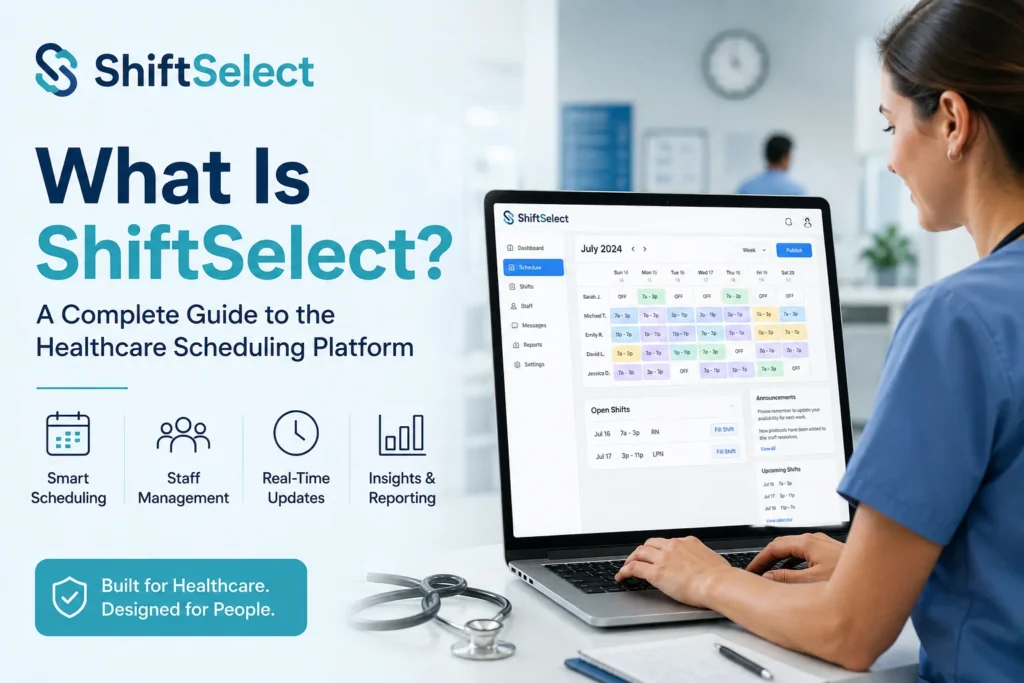
What Is ShiftSelect? A Complete Guide to the Healthcare Scheduling Platform
If you work at a hospital or health system, there’s a good chance someone has told you to “check ShiftSelect” for your schedule. If you’ve never used it before, the name alone doesn’t tell you much. Here’s what it actually is, how it works, and what to expect the first time you log in.
What Is ShiftSelect?
ShiftSelect (officially Centricity ShiftSelect, now owned by Symplr) is a staffing and scheduling platform built for hospitals and other healthcare organizations. Instead of a manager manually building every shift by hand, ShiftSelect lets staff view open shifts, request time off, and pick up extra work themselves through a self-service dashboard.
It’s not a consumer app you’d download out of curiosity. It’s enterprise software that a hospital’s HR or staffing department sets up, then rolls out to nurses, techs, and other shift-based employees. If your workplace uses it, you’ll typically get login credentials from your scheduling office, not by signing up on your own.
Key Features
At its core, ShiftSelect handles a few jobs well:
- Open shift viewing. Staff can browse available shifts filtered by unit, skill set, or job title, then request the ones that fit their availability.
- Shift bidding and incentives. Many hospitals use ShiftSelect’s incentive system to offer bonus pay or priority access for hard-to-fill shifts, which helps close coverage gaps without a manager cold-calling the entire unit.
- Self-scheduling. Employees can build part of their own schedule within the rules their department sets, rather than waiting for a finalized calendar.
- Manager dashboards. Supervisors get a single view for approving requests, tracking compliance with staffing ratios, and communicating with staff through built-in notes.
- Integrations. ShiftSelect typically connects with a facility’s existing time and attendance, payroll, and HR systems, so hours worked flow through without duplicate data entry.
How to Log In and Use It
Most hospitals give staff a direct ShiftSelect login link, often through their intranet or HR portal. A few things to know before your first login:
- Use the exact URL your facility provides. ShiftSelect is deployed separately for each health system, so there’s no single universal login page.
- Your username is usually tied to your employee ID, and your first password is often temporary. You’ll be prompted to set a new one.
- Once logged in, your home screen shows your upcoming schedule, any pending requests, and a list of open shifts you’re eligible for.
- There’s also a mobile app for iOS and Android, so you can check shifts or request changes without being at a desktop.
If you can’t log in, the first move is contacting your facility’s scheduling or IT help desk. Because access is set up individually by each hospital, ShiftSelect itself can’t reset your account from outside your organization.
Common Questions From New Users
Getting comfortable with any new scheduling system takes a week or two. A few habits help: check open shifts regularly if you want extra hours, since popular shifts fill fast, and submit time-off requests as early as your facility allows, since approval often depends on how far in advance you ask.
How It Compares to Other Scheduling Tools
ShiftSelect isn’t the only option hospitals use. Some run UKG (formerly Kronos) for combined scheduling and timekeeping in one system. Others bring in a workforce consultant like Avantas alongside their software. It’s common for a hospital to pair ShiftSelect for shift pickup with a separate system like Kronos for tracking actual hours worked, so don’t be surprised if your facility uses more than one tool.