WebLearn Login: How to Sign In and Fix Common Access Issues
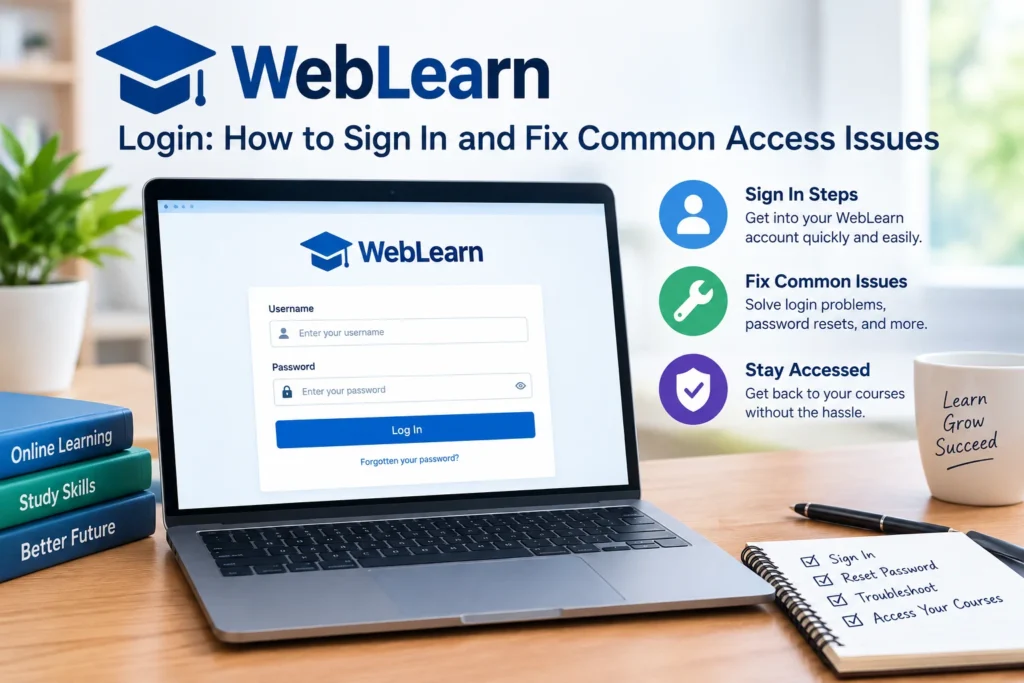
WebLearn is an online learning platform (weblearn.app) built around WordPress LMS theme development courses, along with a student dashboard, course library, and registration system. If you’re trying to log in, here’s the fastest way to do it, plus fixes for the problems that most often get in the way.
How to Log In to WebLearn
- Go to weblearn.app/login.
- Enter your username or the email address you registered with.
- Enter your password.
- Complete the captcha check.
- Click Sign In.
If you’d rather stay logged in on your device, tick Remember Me before signing in.
New here? You’ll need to create an account first through the student registration page before you can log in.
Forgot Your Password?
Click Forgot Password on the login screen, or go straight to the lost password page. Enter the email tied to your account and follow the reset link that gets sent to you. If the email doesn’t arrive within a few minutes, check your spam folder before requesting another one.
Common Login Problems and Fixes
“Username or password incorrect” Double-check for typos, extra spaces, or caps lock. If you originally signed up with an email address, make sure you’re not trying to log in with a username instead (or vice versa).
Captcha won’t load or keeps failing. This is usually a browser issue. Try refreshing the page, clearing your browser cache, or switching to a different browser. Ad blockers and strict privacy extensions can sometimes interfere with the captcha script.
The page won’t load at all. Confirm you’re using the correct URL (weblearn.app/login) and try again in an incognito/private window. If the site is down for everyone, it’s worth checking WebLearn’s Facebook page for any outage updates.
Logged in but can’t see your course. Course access is usually tied to enrollment. If you’ve paid for a course but don’t see it on your dashboard, contact support (details below) rather than trying to re-register.
Frequently Asked Questions
Is WebLearn free to use? Account registration itself is free, but individual courses (like the WordPress LMS Theme Development program) are paid.
Can I log in from a mobile browser? Yes, the login page works on mobile browsers. There’s no dedicated mobile app noted on the platform.
What if I registered with a social account instead of email? Use the same method you originally signed up with. If you’re not sure which method that was, contact support with the email address you think you used, and they can look it up.
Who runs WebLearn? WebLearn is connected to Theme Pure, an Envato marketplace seller, and offers instructor-led courses on WordPress LMS theme development.