invideo io Review: Is It Worth It for Small Businesses?
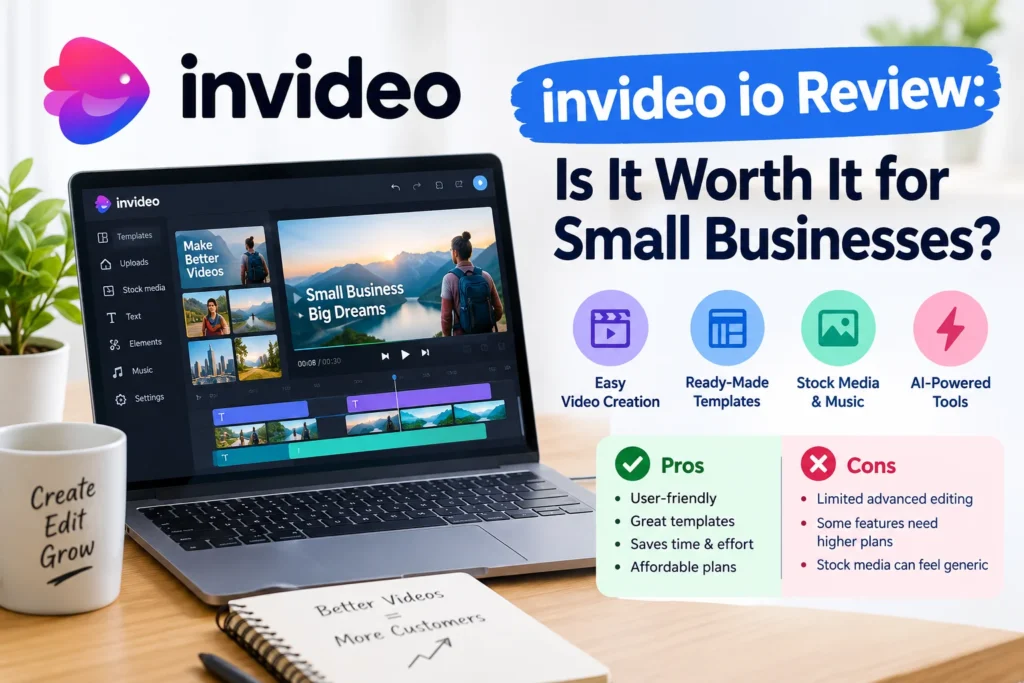
What is invideo io?
Invideo io is the web address of Invideo AI, a platform that turns a written idea into a video using stock footage, generated clips, avatars, and voiceover. One 2026 pricing breakdown says paid plans include more than 200 visual and audio models. Plan pages also name engines such as Seedance 2.0, Veo 3.1, and Kling 3. You describe the video, an AI agent drafts it, and you adjust the result by chatting with it.
How Credits and Pricing Work
Credits are the whole game. Every generation, edit, and redo draws from a monthly balance. Unused credits don’t roll over.
The free tier is real but tight. A hands-on tester received 5 credits, and a single video used 4.8 of them. Exports carry a watermark as well, so treat it as a trial, not a working plan.
Paid prices depend on who you ask. One tracker lists the entry-level Plus tier at $17 a month, while a July 2026 tester paid $20 on monthly billing. Higher tiers cost several times more. Annual billing reportedly takes 15% off, and Capterra notes a 7-day money-back guarantee. Figures shifted repeatedly this year, so confirm them on the official pricing page.
Where It Works Well
Short, repeatable content is the sweet spot. Think faceless YouTube explainers. Shorts, product teasers, and social promos where speed beats polish.
One G2 reviewer reported 94 videos made and over 100 hours saved. A tester also found that a prompt aimed at UK small businesses produced UK-relevant software suggestions, such as Xero and Sage. That kind of context awareness helps if you’re not selling to an American audience.
Where It Falls Short
Credits vanish fast. One G2 reviewer paid $60 for the Max plan and ended up with about 2 minutes of finished video once regenerations were counted. Another said all their purchased credits went on a ten-second clip.
Fair warning: these are individual user reports, not lab tests, and results vary with prompts. Still, the pattern shows up often enough on G2 that it’s worth planning around. Some reviewers also level accusations about billing practices, so read the recent ones yourself.
Who Should Use It (and Who Shouldn’t)
It suits you if you publish lots of short clips and want a rough draft in minutes. It’s a poor fit if you need frame-level control, long-form editing, or a tight budget. CapCut, for comparison, offers watermark-free 1080p exports for free.
How to Test It Cheaply
- Write a tight prompt with length, audience, and tone.
- Generate one short video.
- Check how many credits it burned.
- Fix the script before regenerating, since redos cost credits.
- Decide only after that.
FAQ: invideo io Questions
Is invideo io free?
A limited free tier exists, but reports describe tiny credit allowances and a watermark. Check the pricing page for the current offer.
Does invideo io leave a watermark?
Free exports do, according to hands-on testers. Paid plans are described as watermark-free.
Is it good for YouTube?
Yes, for faceless explainers and Shorts. Less so for polished, long-form videos.
Can I get a refund?
Capterra mentions a 7-day money-back guarantee. Read the current terms before paying.
The Bottom Line
invideo io is fast and genuinely useful for short promotional content. The catch is the credit math, so run one cheap test, count what it costs per finished video, and only then pick a plan.