What Is Linkello, and How Does It Work?
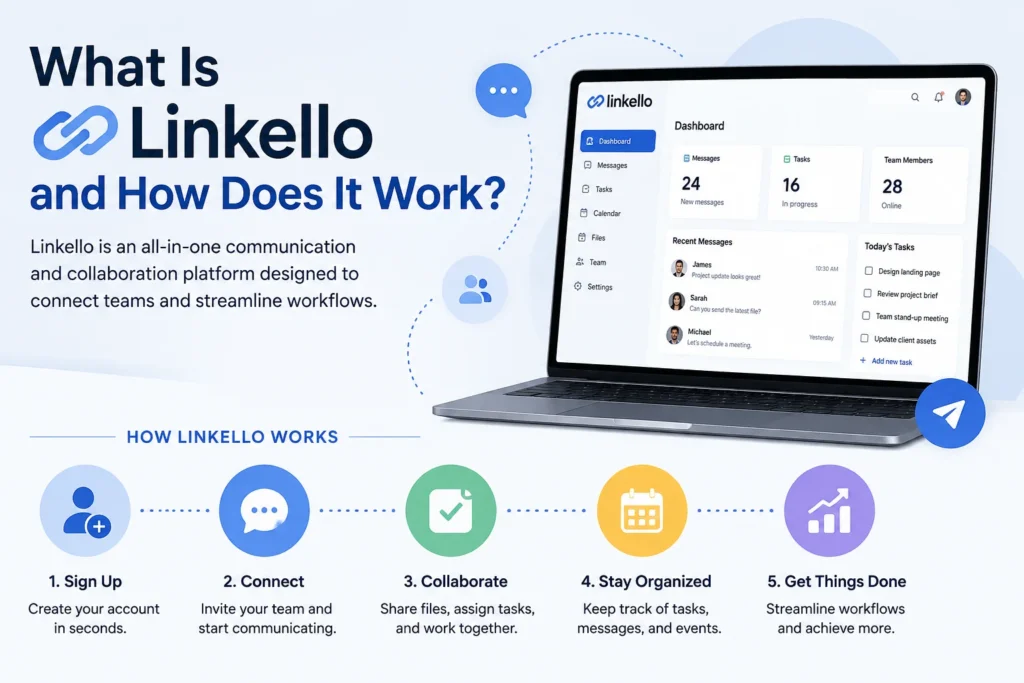
If you’ve ever spent ten minutes on the phone walking your dad through installing Zoom, you already understand the problem Linkello is trying to solve. It’s a browser-based calling tool built around one idea: no accounts, no downloads, no waiting rooms. You create a link, send it, and whoever’s on the other end just clicks and talks.
What Is Linkello?
Linkello is a French company that makes one-click video and audio calling tools. The core product, sometimes called Linkello Call, runs entirely in the browser using WebRTC, the same open standard behind most modern video chat. There’s nothing to install, and no login is required to join a call. You just need a link.
The company also sells two business-focused products: Linkello Office, which gives freelancers and small teams a permanent, branded call link they can put on a website or in an email signature, and Linkello Medical, built for teleconsultation with the extra compliance features healthcare providers need.
Privacy is a real part of the pitch here, not just marketing copy. Linkello says it doesn’t rely on data collection, hosts its services in French infrastructure, and encrypts calls end to end. That combination, GDPR by design plus EU hosting, matters a lot to European small businesses and to anyone in a regulated field like healthcare or law.
How Linkello Actually Works
The process is short enough to explain in four steps:
- Go to the site and pick a call type. Audio or video, then give the room a title if you want one.
- Get your link. Linkello generates a unique URL for that conversation.
- Share it. Send it by email, text, Slack, or whatever you’d normally use.
- Join from a browser. The other person clicks the link and connects, no account or software required on either side.
Rooms expire once the call ends, so there’s no leftover link floating around that someone could reuse later. That’s a small detail, but it’s the kind of thing that shows the product was actually designed with privacy in mind rather than bolted on afterward.
Key Features Worth Knowing
- One-on-one video and audio calls, plus screen sharing and a basic text chat.
- Secure document exchange during a call, useful for freelancers sending contracts or invoices on the spot.
- No installation on either end. Works on desktop, tablet, or phone through the browser.
- REST API for developers who want to build video calling directly into their own app or website rather than send users somewhere else.
- Built-in invoicing and online payment, aimed at consultants and service providers who bill by the session.
What it doesn’t do is group calling. Linkello is built for one-on-one conversations, and that’s a deliberate trade-off. If you need a ten-person team meeting, this isn’t your tool.
Pricing
The free version covers basic one-on-one audio and video calls with no account needed. For businesses that want a permanent link, custom branding, and the invoicing tools, Linkello Office starts around €12.50 per user per month. Linkello Medical is priced separately and aimed at healthcare organizations that need teleconsultation compliance on top of the calling features.
Who Linkello Is Best For
Freelancers and consultants who talk to a rotating cast of clients, some of whom aren’t especially tech-savvy, tend to like it the most. Sending a plain link beats explaining how to download a meeting app every single time.
Healthcare providers doing remote consultations get a version built around the compliance requirements that field actually needs, not a generic tool retrofitted with a privacy policy.
Small businesses in the EU who care about GDPR and want their communications hosted on European servers have a real reason to pick this over a US-based alternative.
Who should look elsewhere? Anyone running regular group meetings, webinars, or large team calls. Linkello wasn’t built for that, and trying to force it into that role will be frustrating.
Linkello vs. Zoom, Meet, and Teams
The honest comparison isn’t features; it’s friction. Zoom, Google Meet, and Microsoft Teams all do more: group calls, recording, calendar integration, and breakout rooms. Linkello does less, on purpose. It trades those features for a call experience that takes one click and works for people who’d otherwise struggle with the alternatives. If your calls are mostly one-on-one and your contacts vary in tech comfort, that trade often makes sense. If you run team meetings all day, it doesn’t.