QuickBooks With Payroll: Which Plan Fits Your Business?
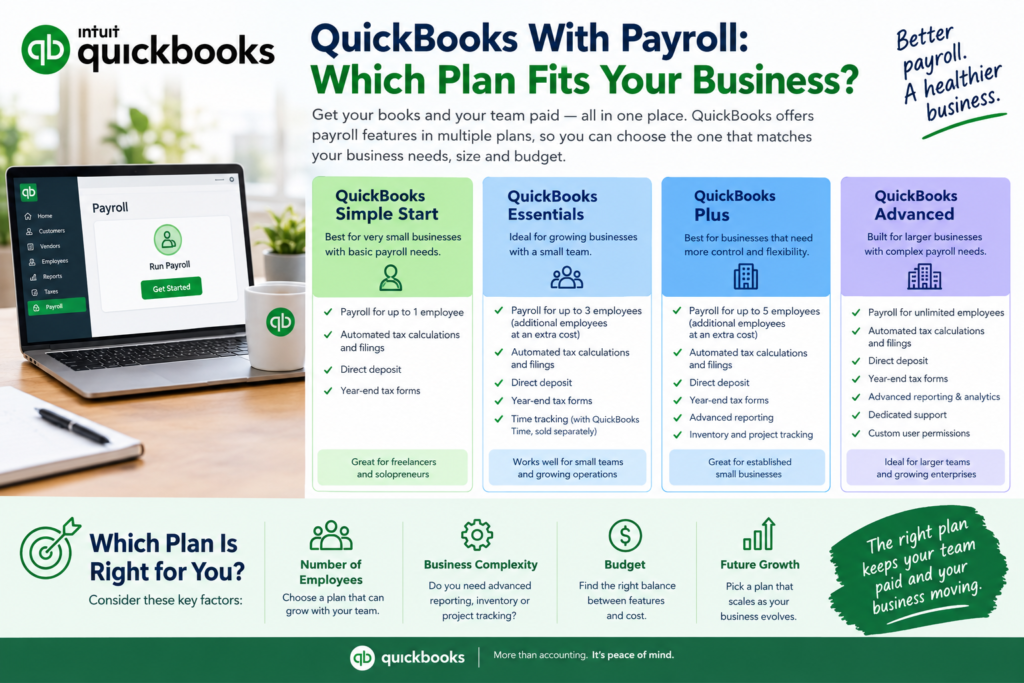
Adding payroll to QuickBooks sounds simple until you hit three plans, a per-employee fee, and a pile of add-ons. Here’s the short version. If your books already live in QuickBooks Online, running payroll inside it keeps wages, taxes, and journal entries in one place. You’ll pay for that convenience, though. Below you’ll see what each US plan includes, what it costs at real headcounts, and when a cheaper rival makes more sense.
What does QuickBooks with Payroll include?
Intuit’s payroll service calculates paychecks, withholds taxes, and pushes the numbers into your general ledger, so nobody retypes anything. Time tracking comes with the Premium and Elite tiers, and Intuit says it will help move over any existing payroll information, review your setup on Premium, and do the full setup for you on Elite.
Tax filing is the real-time saver. The system files and pays federal and state payroll taxes for you, which matters because the IRS runs on fixed deposit schedules and late deposits get costly fast. I’d call that the strongest reason to pay for payroll software instead of doing it by hand.
QuickBooks payroll plans and 2026 pricing
The Core plan runs $50 a month plus $6.50 per employee, Premium is $88 plus $10, and Elite is $134 plus $12.
| Plan | Monthly base | Per employee | Best for |
|---|---|---|---|
| Core | $50 | $6.50 | Simple payroll in one state |
| Premium | $88 | $10 | Growing teams that want same-day deposit and time tracking |
| Elite | $134 | $12 | Multi-state teams wanting penalty protection and HR help |
The details change the math. Core skips local tax filing, while Premium and Elite include it, and each extra state costs $12 a month unless you’re on Elite. Workers’ comp administration is free on Premium and Elite but costs Core users $5 a month, and full tax penalty protection is Elite only.
One caution: review sites disagree on exact figures, and Intuit adjusts prices often. Confirm everything on Intuit’s pricing page before you commit.
What it costs at real headcounts
Math beats marketing here. Using the figures above:
- 5 employees on Core: $82.50 a month
- 10 employees on Premium: $188 a month
- 20 employees on Elite: $374 a month
Compare that with rivals. Gusto and OnPay both charge $49 a month plus $6 per employee, so at 10 employees they cost $109 against $115 for Core. Close, but not identical.
Honestly? Most tiny teams should start on Core and upgrade only when a missing feature actually hurts.
Who should skip it?
Payroll inside QuickBooks makes sense when QuickBooks is already your accounting system. If it isn’t, you lose the main advantage, and standalone payroll tools can cost less.
Big teams feel the per-employee fee most. And if you run staff in several states on Core, those $12 state charges stack up quietly.
How to get started
- Pick a plan and add it to your account.
- Enter business details and tax information.
- Add each employee with pay rate, withholdings, and bank details.
- Run your first payroll and read the review screen before approving.
- Check that your first tax filing posted correctly.