Letters to Numbers Converter
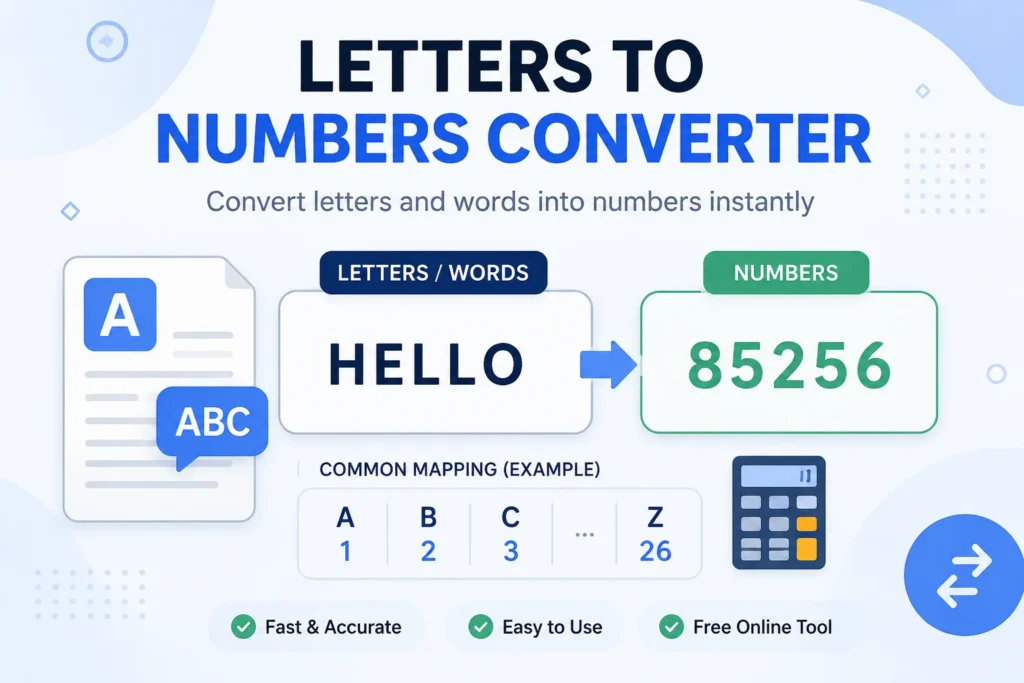
Type a word in, and get a string of numbers out. That’s the whole idea behind a letters-to-numbers converter, and it’s one of those small tools that ends up useful in more places than you’d expect: cracking a puzzle, building a simple cipher, checking a numerology reading, or just satisfying curiosity about how your name “adds up.”
This page explains how the conversion works, where it’s actually used, and a few things people get wrong when they’re doing it by hand.
How Letters Convert to Numbers
The standard method is called A1Z26. It’s exactly what it sounds like: A is 1, B is 2, and so on up through Z at 26. Each letter simply maps to its position in the alphabet.
- A = 1
- B = 2
- C = 3
- …
- M = 13
- …
- Z = 26
So the word “CAB” becomes 3-1-2. Simple enough to do in your head for short words, tedious for anything longer, which is exactly why a converter tool exists.
Case doesn’t matter here. Whether you type “cab” or “CAB,” you land on the same 3-1-2, since the position in the alphabet stays the same either way.
Why People Use This
Puzzles and games. A1Z26 shows up constantly in escape rooms, treasure hunts, and crossword-style puzzles. It’s simple enough for a casual audience but still requires a small mental step, which makes it a favorite for puzzle designers.
Basic cryptography. This isn’t strong encryption by any stretch, but it’s a foundational building block for learning how ciphers work. Substitution ciphers, including the Caesar cipher, borrow the same logic of swapping letters for a fixed value and shifting from there.
Numerology. Some numerology systems reduce a name to numbers using this letter-position method, then add the digits together to reach a single “life path” style number. Whether or not you buy into numerology, the math behind it is the same simple lookup.
Learning to code. If you’re new to programming, converting letters to numbers is a classic beginner exercise. It teaches you how to loop through a string, look up a value, and build an output, skills that carry over into far more complex projects.
Data and text encoding. On a technical level, this is a distant cousin of how computers actually store text. ASCII, for instance, assigns every character (not just letters) a number, but it uses a different starting point and range than A1Z26.
A1Z26 vs. Other Numbering Systems
It’s worth knowing that A1Z26 isn’t the only way to turn letters into numbers, and mixing systems up is a common source of confusion.
| System | A equals | Range | Typical use |
|---|---|---|---|
| A1Z26 | 1 | 1-26 | Puzzles, ciphers, numerology |
| Zero-indexed | 0 | 0-25 | Programming (arrays often start at 0) |
| ASCII (uppercase) | 65 | 65-90 | Computer text encoding |
| ASCII (lowercase) | 97 | 97-122 | Computer text encoding |
If a converter gives you numbers you weren’t expecting, this table is usually why. A programmer’s script might treat A as 0, while a puzzle book almost always treats A as 1.
Converting Numbers Back to Letters
The reverse works the same way, just backward. Take a number, count that many letters into the alphabet, and you’ve got your answer. 5 becomes E, 20 becomes T, and so on. This direction trips people up more often, mostly because it’s harder to count forward in your head than it is to just remember where a letter sits.
For anything longer than a few characters, doing this manually invites mistakes, one miscount and the rest of the message shifts. A converter handles it instantly and without the arithmetic errors.
Common Mistakes to Avoid
A few things catch people off guard:
- Forgetting spaces and punctuation. Most converters skip non-letter characters entirely, so “CAB DOG” might come out as 3-1-2 4-15-7 or as one continuous string, depending on the tool. Check how spacing is handled before assuming a result is wrong.
- Mixing up A1Z26 with ASCII. These produce completely different numbers for the same letter. If you’re troubleshooting a cipher, confirm which system was used to encode it first.
- Losing track of double-digit letters. Once you hit J (10) and beyond, numbers can run together without separators. “J” and “A” placed side by side could look like “10” and “1,” or it could look like “1,” “0,” and “1” if you’re not careful with formatting.