
How to Download Kaspersky VPN for Any Device
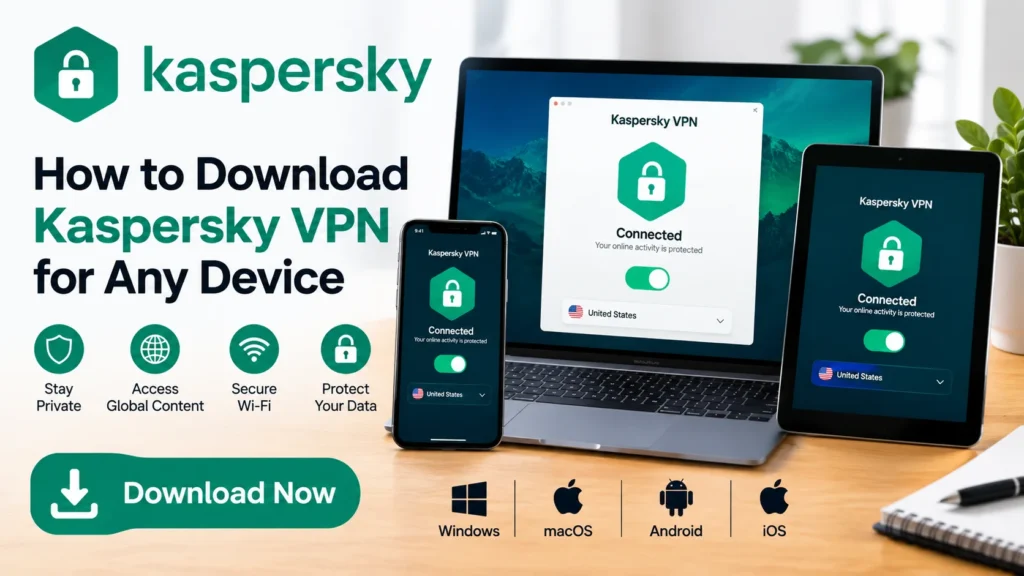
Looking to get Kaspersky VPN up and running? Here’s the short version: Pick a plan, download the app for your device, sign in with a My Kaspersky account, and connect. That’s it. Below is the full walkthrough, plus what you’re actually getting for your money and a few things worth checking before you commit.
What You’re Downloading
Kaspersky VPN Secure Connection encrypts your internet traffic and hides your real IP address. It’s built by Kaspersky, the same company behind the antivirus suite, and it’s available as a standalone app or bundled into Kaspersky Premium alongside malware protection, a password manager, and identity monitoring tools.
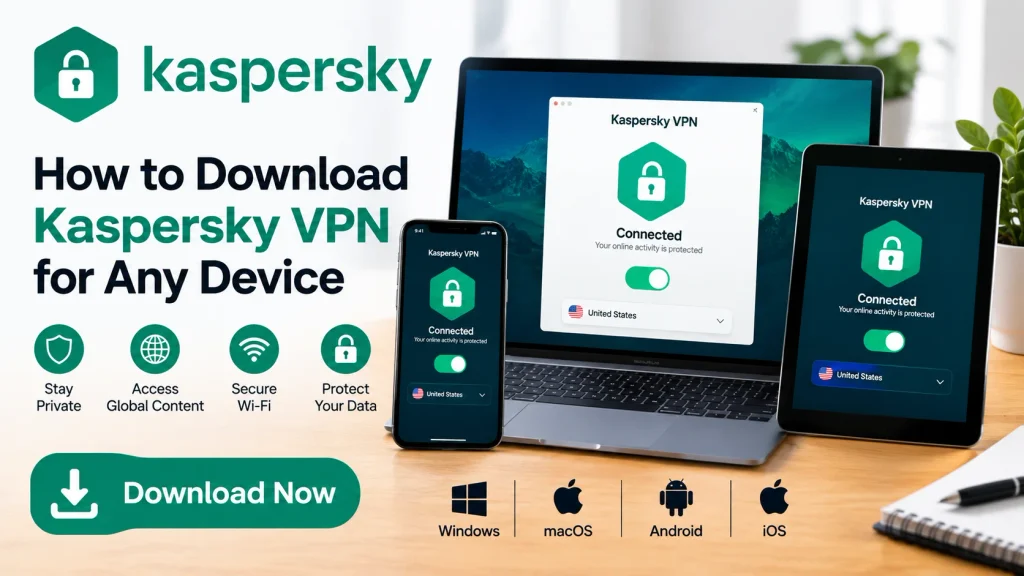
The app runs on Windows, macOS, Android, and iOS. A Linux client exists too, but only through the Premium bundle, not the standalone VPN.
Step-by-Step: Downloading and Installing
1. Choose a plan. Head to Kaspersky’s site and pick either the standalone VPN or Kaspersky Premium, which folds VPN access into a broader security package. Premium usually makes more sense if you already want antivirus coverage; the standalone option suits people who just want the VPN piece.
2. Download the app. Once you’ve subscribed, you’ll get a download link for your device, or you can grab the app directly from the Microsoft Store, Google Play, or the Apple App Store. Avoid third-party download mirrors. Security software is one category where the source matters.
3. Create (or sign into) a My Kaspersky account. This step activates your subscription and syncs it across devices. Without it, the app stays limited.
4. Connect and go. Open the app, pick a server location, and hit connect. The interface is fairly minimal, so there isn’t much of a learning curve here.
5. Repeat on other devices. One subscription typically covers multiple devices, so install the app on your phone, laptop, or tablet as needed under the same account.
What’s Actually Included
A few specifics worth knowing before you download:
- Server network: Kaspersky reports over 6,000 servers across 120+ locations, which is a reasonable spread for streaming and general browsing.
- Kill Switch: Cuts your internet connection automatically if the VPN drops, so your real IP doesn’t leak mid-session.
- WireGuard protocol: This is the connection protocol Kaspersky VPN relies on, and it needs to be supported by your ISP for a stable connection. Worth checking if you’re on an unusual network setup.
- No-logs claim: Kaspersky states it doesn’t record your browsing activity. As with any provider, that’s a policy claim rather than something you can independently verify, so weigh it against how much you trust the vendor.
- Money-back guarantee: 30 days, full refund, no complicated hoops to jump through based on Kaspersky’s stated policy.
Does It Actually Perform Well?
Marketing copy is one thing; independent numbers are another. AV-TEST ran a comparative VPN evaluation in February 2025, commissioned by Kaspersky, that measured download and upload speeds, latency, and torrent performance against several competitors, including NordVPN, ExpressVPN, Surfshark, and Proton VPN. Kaspersky VPN came out near the top for local download speeds and overseas latency, and it outperformed most rivals on overseas torrent downloads. Worth noting: because Kaspersky paid for the test, treat the results as a solid data point rather than the final word, and check AV-TEST’s published report directly if you want the full methodology.
System Requirements at a Glance
You don’t need much to run this:
- Windows: 7 SP1 through 11, roughly 1.6 GB free disk space, 1–2 GB RAM
- macOS: version 14 through the current release, about 640 MB free space
- Android: version 11 through 16, 150 MB free space
- iOS: version 18 or later, 150 MB free space
An internet connection is required on all platforms, obviously, and your ISP needs to support the WireGuard protocol for a stable link.
Is It Worth Downloading?
Depends on what you’re after. If you want VPN access folded into an antivirus suite you already trust, or plan to buy Kaspersky Premium anyway, the VPN is a solid inclusion rather than an afterthought. If you specifically want a dedicated, VPN-only service with the largest possible server count or the deepest privacy audit history, it’s worth comparing against providers that specialize in nothing but VPN. Kaspersky has also faced government restrictions and bans in some countries tied to its Russian origins, which is a separate consideration from performance and one you should factor in if it matters to you.
FAQ
Is Kaspersky VPN free? There’s typically a limited free trial or a capped free tier, but full, unlimited access requires a paid subscription to either the standalone VPN or Kaspersky Premium.
Which devices does Kaspersky VPN support? Windows, macOS, Android, and iOS are covered under the standalone VPN. Linux support is only available through Kaspersky Premium.
Do I need a My Kaspersky account to use the VPN? Yes. Signing in activates your subscription and unlocks unlimited use across your devices.
Can I use Kaspersky VPN for streaming? Yes, Kaspersky markets the service for streaming, and its server network spans over 120 locations, which generally supports accessing region-specific content.
What happens if the VPN connection drops? The built-in kill switch blocks your internet traffic until the VPN reconnects, preventing your real IP from being exposed.
Is there a refund if I don’t like it? Kaspersky offers a 30-day money-back guarantee on its stated terms, so you can request a refund within that window if it’s not a fit.
Is Kaspersky VPN safe to use given the company’s background? Kaspersky has faced bans or restrictions in the US and a few other countries over national security concerns tied to its Russian origins. The company denies any wrongdoing. It’s a legitimate factor to weigh alongside performance and features, particularly if you work in government, defense, or a sector with strict vendor policies.






1 thought on “How to Download Kaspersky VPN for Any Device”