
How to Log In to Sogolytics (Plus Common Login Fixes)
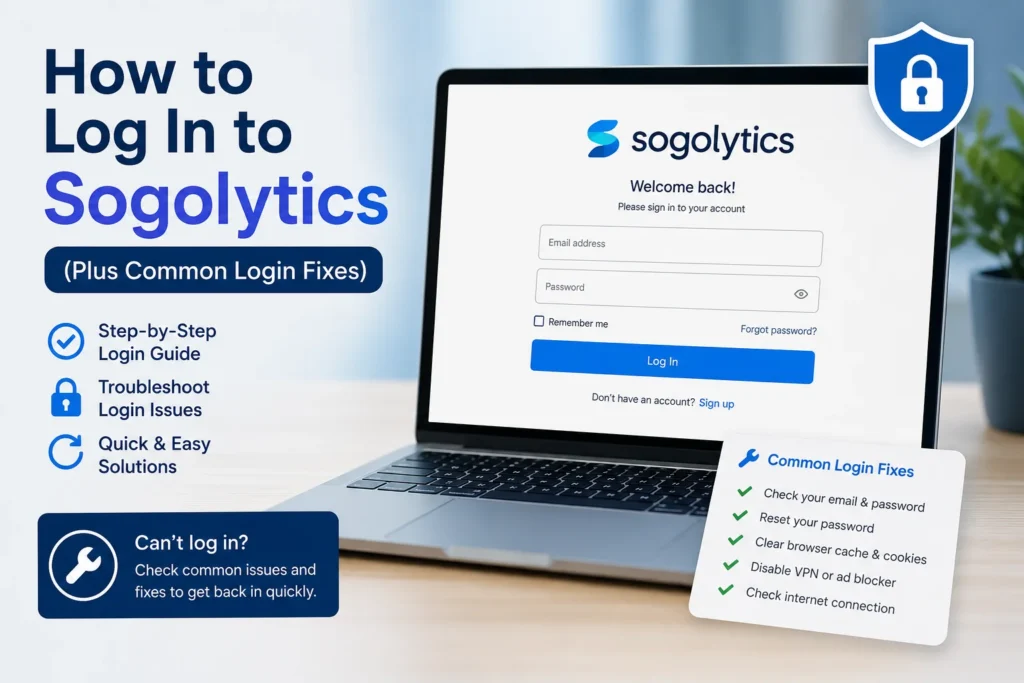
So you’re trying to get into your Sogolytics account, and something’s not working right. Maybe you forgot your password, maybe the page won’t load, or maybe you’re just not sure which login screen you’re supposed to use. Either way, here’s the full rundown.
Sogolytics (formerly SoGoSurvey) is a survey and experience management platform used by businesses to run customer experience (CX), employee experience (EX), and market research programs. If you’re an admin, respondent, or SogoConnect user, this guide covers the login process and what to do when it doesn’t go smoothly.
Where to Log In to Sogolytics
The main login page is at sogolytics.com/static/login.aspx. That’s where most account holders, whether on SogoCX, SogoEX, or SogoCore, will enter their credentials.
A few things worth knowing before you get started:
- Bookmark the login page. It saves a step every time and avoids landing on a marketing page by accident.
- Your username is usually the email tied to your account, not a separate username you created.
- If your organization uses single sign-on (SSO), you won’t use this page at all. More on that below.
Step-by-Step: Logging In
- Go to the login page. Navigate to sogolytics.com/static/login. aspx directly, rather than searching for it each time.
- Enter your email and password. Double-check for autofill errors, especially if you manage more than one account.
- Click Login. You’ll land on the home screen, where recent projects, templates, and getting-started resources live.
- If it fails, don’t just retry blindly. Check the troubleshooting steps below first.
Fixing the “Forgot Password” Problem
This one’s simple, and it’s the most common reason people end up searching for login help in the first place.
- On the login page, click Forgot Password?
- Enter the username or email address linked to your account.
- Submit the form. Sogolytics will send password reset instructions to that email.
- Check spam or promotions folders if it doesn’t show up within a few minutes.
One thing to note: if you’ve changed your email address recently but never updated it in Sogolytics, the reset link won’t reach you. In that case, skip straight to contacting support.
Common Login Issues and How to Fix Them
Wrong username or password error, even though you’re sure it’s correct Clear your browser cache, or try a private/incognito window. Saved autofill data is a frequent culprit here, especially on shared devices.
Page loads but won’t accept your credentials This usually points to a browser extension conflict (ad blockers and password managers are common offenders) or an outdated browser version. Try a different browser to isolate the issue.
Account locked after multiple failed attempts This is a security measure, not a bug. Wait a short period before trying again, or reset your password to unlock it immediately.
SogoConnect login not working SogoConnect has its own login flow, separate from the main platform. Navigate to the SogoConnect login page specifically, and use the same Forgot Password process if needed.
Redirected to the wrong dashboard, or no dashboard at all This typically means your account role (admin, collaborator, respondent) doesn’t match what you’re trying to access. Confirm your role with your account administrator.
If none of these fix it, reach out to Sogolytics support directly at support1@sogolytics.com. Include your username and a screenshot of the error. It speeds things up considerably.
Single Sign-On (SSO) Users: A Different Path
If your company connects Sogolytics through SSO (Okta, Azure AD, or similar), you won’t use the standard login page at all. Instead, you’ll typically access Sogolytics through your organization’s app portal. If SSO stops working, that’s usually an IT issue on your company’s end rather than something to troubleshoot on the Sogolytics side. Loop in your IT team first.
FAQ: Sogolytics Login Questions
Q: What’s the direct URL for the Sogolytics login page? A: sogolytics.com/static/login. ASPX is the main login page for most account types.
Q: I never got a password reset email. What now? A: Check spam folders first. If it’s still missing after 10-15 minutes, your account email may be outdated, so contact support to update it manually.
Q: Is SogoConnect the same login as the main Sogolytics account? A: No. SogoConnect has a separate login page, though it follows the same forgot-password process.
Q: How many failed login attempts before my account locks? A: Sogolytics doesn’t publish an exact number publicly, but repeated failures will trigger a temporary lock as a security measure.
Q: Who do I contact if none of these fixes work? A: Email support1@sogolytics.com with your username and details of the error you’re seeing.
Bottom Line
Most Sogolytics login problems come down to one of three things: a password issue, a browser conflict, or an SSO misconfiguration on the company’s side. Start with the forgot-password flow, clear your cache if credentials seem right but won’t work, and loop in support or IT when it’s clearly outside your control.







1 thought on “How to Log In to Sogolytics (Plus Common Login Fixes)”