
Shortsnoob APK Download: What’s Real and What’s Fake
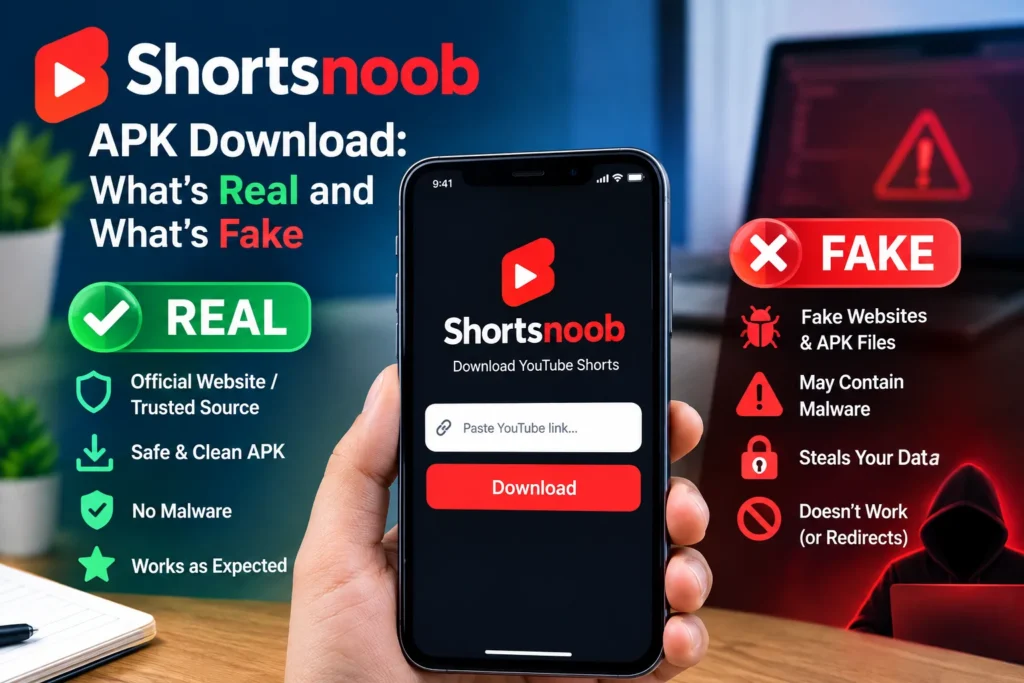
You typed “shortsnoob download apk,” so you’re probably hoping for a file you can tap, install, and use. Here’s the straight answer: I couldn’t find an official Shortsnoob app. Shortsnoob looks like a website. You paste in a YouTube Shorts link, and it gives you a video file back.
That changes things. Any APK carrying the name deserves suspicion. Below, I’ll cover why, how Android users save Shorts through the browser instead, and where YouTube’s rules draw the line.
What is Shortsnoob?
Shortsnoob is a browser-based downloader built for YouTube Shorts, the platform’s vertical short-form video feature. Shorts used to cap at 60 seconds, but clips can now run up to 3 minutes. The tool sits outside YouTube, which matters for the rules section further down.
Is there an official Shortsnoob APK?
No, at least none I could verify. One how-to guide describes it as a site dedicated to downloading Shorts that runs smoothly in a phone browser. When I searched the APK angle, the results drifted: an unrelated Shorts-style social app on itch.io, generic sideloading guides, and near-identical pages that never named a developer or a release.
That last group is the tell. A real app has a developer, a version history, and a page you can trace. A page that just repeats the keyword doesn’t.
Why fake APKs show up for this search
Popular keywords attract opportunists. Anyone can rename a file “Shortsnoob.apk” and upload it somewhere. Some write-ups on this exact topic warn that malicious software can be bundled with, or disguised as, download tools.
Android does give you guardrails. Since Android 8.0, the old global Unknown Sources switch has become a per-app permission, approved for each app that installs files from outside Google Play. Google’s security team argued this stops hostile downloaders from tricking people into installing something. Google Play Protect also keeps working in the background, scanning apps from outside the Play Store and blocking suspicious ones.
Still, a scan isn’t a guarantee. Even official stores have occasionally let fraudulent apps slip through. So the safest APK is the one you never install.
How to save a short on Android without an APK
This is the method people actually use, and it takes about a minute.
- Open YouTube and find the short.
- Tap Share, then Copy link.
- Open Chrome and type shortsnoob.com into the address bar yourself. Skip ads and lookalike links.
- Paste the link and let the page process it.
- Save the file from the result.
If the page demands an install, a “required update,” or notification access, close the tab. That’s the moment a downloader turns into a trap.
Want the app feel? In Chrome’s menu, choose Add to Home screen. You get an icon that opens the real site; no APK is needed.
One caveat: I haven’t re-tested the site’s current behavior for this article, and tools like this change or vanish. Treat these steps as a guide, not a promise.
What YouTube’s terms say about saving Shorts
YouTube’s terms allow you to view or listen to content for personal, non-commercial use. They also prohibit downloading or copying content unless the service expressly authorizes it or YouTube and the rights holders give written permission. An older version put it more bluntly: no downloading unless YouTube displays a download link.
So what’s clearly fine? A download button inside the app, such as Premium’s offline option. A video under a Creative Commons license, or one where the creator gives permission, also works. Third-party downloaders sit outside that.
I’m not a lawyer, and I can’t tell you how often any of this gets enforced. My own read: reposting someone else’s short as if it’s yours is where real trouble starts.
Safer ways to keep a short
- YouTube Premium: offline downloads inside the app, fully sanctioned.
- Your own uploads: creators can download their originals from YouTube Studio.
- Ask the creator: a short message often gets a yes.
- Save to a playlist: not a file, but the fastest way to find it again.
Checklist before installing any APK
- Can you name the developer? If not, skip it.
- Do the requested permissions make sense? A video tool has no business asking for SMS or accessibility control.
- Is Play Protect switched on?
- Did the file come from a site you typed in yourself?
Afterward, revoke your browser’s Install unknown apps permission. Two common mistakes: leaving it on forever and tapping through the permissions screen without reading it.
FAQ: Shortsnoob APK Questions
Is there an official Shortsnoob app?
I couldn’t verify one. Shortsnoob appears to be a browser-based tool, so any APK using the name is unconfirmed.
Is it safe to download a Shortsnoob APK?
Not from random sites. Unknown files can carry malware, and nothing ties them to the actual service. Skipping it is the better call.
Can I use Shortsnoob on Android without installing anything?
Yes. Copy the Short’s link, paste it on the site in Chrome, and save the result. Add it to your home screen for a shortcut.
Is downloading YouTube Shorts allowed?
Only through features YouTube provides or with permission from the rights holder. Premium offline downloads and your own uploads are the clean routes.
How do I turn off unknown app installs?
Go to Settings, Apps, and Special app access, then install unknown apps. Pick your browser and switch it off. Menu names vary by phone brand.
Why does my phone block the install?
Android requires permission for each app that installs files from outside Google Play. The warning is the system doing its job.
The bottom line
Skip the Shortsnoob download APK hunt. There’s no verified app, the lookalikes carry real risk, and the browser route does the same job in a minute. If you want a file, use a route YouTube supports, or ask the creator. Keep your install permissions tight, and treat any “update required” pop-up as a red flag.






1 thought on “Shortsnoob APK Download: What’s Real and What’s Fake”