
What Is Google Analytics? A 2026 Guide to GA4
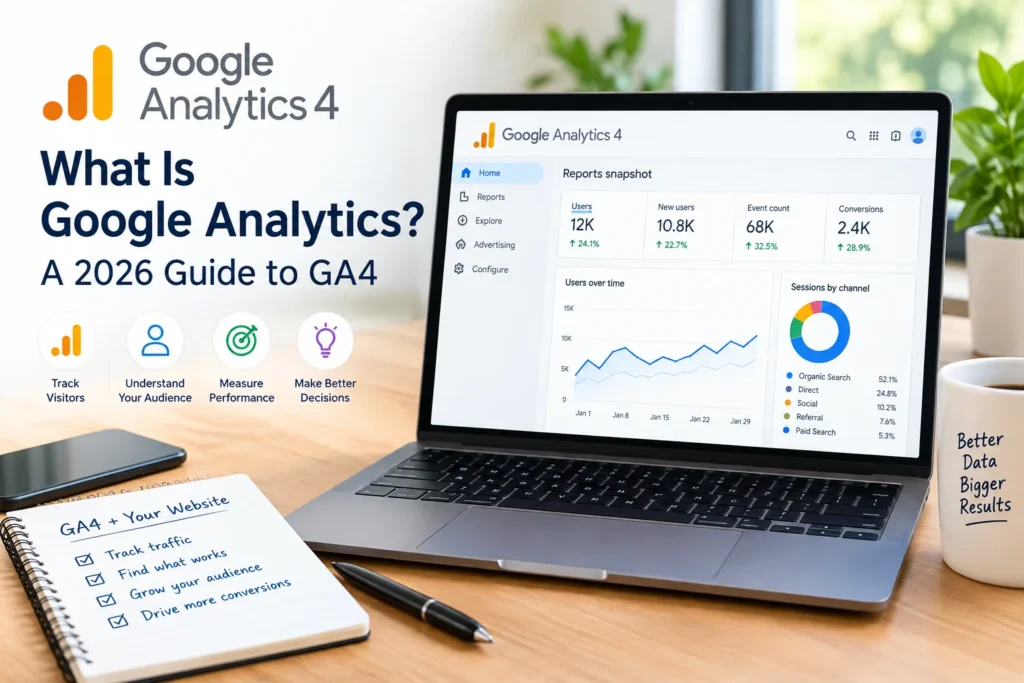
Most site owners install Google Analytics, glance at a traffic graph once a month, and never touch it again. That’s a waste. The tool itself isn’t complicated to set up, but it’s built to answer a much bigger question than “how many visitors did I get”: who’s showing up, what they do once they land, and where they drop off.
Here’s the article’s job: explain what Google Analytics actually is, how the current version (GA4) differs from the old one, and how to get it running properly without drowning in menus you’ll never use.
What Is Google Analytics?
Google Analytics is a free web analytics platform that tracks visitor behavior on websites and apps and reports it back through dashboards you can filter, segment, and export. Google launched it in 2005 after acquiring a smaller analytics company called Urchin, and it has stayed free ever since, funded indirectly by Google’s advertising business, which benefits from marketers having good data to optimize campaigns against.
According to W3Techs, which tracks technology usage across the web, Google Analytics is used by roughly 78% of all websites whose traffic-analysis tool is identifiable. That’s not a niche tool. It’s closer to a default, the same way WordPress is a default for content management.
The current version is called GA4, short for Google Analytics 4. It replaced the older “Universal Analytics” in 2023, and the change wasn’t cosmetic. Universal Analytics tracked sessions and pageviews. GA4 tracks events instead, meaning individual actions like a video play, a scroll depth, a button click, or a purchase. That shift matters because it lets you follow a visitor’s actual path, not just count how many times a page loaded.
Why the Event Model Actually Matters
Session-based tracking answers, “How many people visited?” Event-based tracking answers “What did they do?” That second question is more useful for almost every business decision you’d want data for.
Say you run an online store. Session data tells you 10,000 people visited your product page last month. Event data tells you 4,200 of them added something to a cart, 1,100 started checkout, and 600 completed a purchase. Now you know exactly where people are dropping off, and you can go fix that specific step instead of guessing.
GA4 also handles cross-device tracking better than the old model did. If someone browses on their phone during lunch and buys on their laptop that evening, GA4 has a better shot at recognizing that as one journey rather than two disconnected visits. Privacy rules have made this harder across the industry (more on that below), but it’s still a meaningful improvement over the session model.
Getting Set Up: The Short Version
Setting up Google Analytics doesn’t require a developer, though having one makes the advanced steps faster. Here’s the sequence:
- Create an account and property. Sign in at analytics.google.com, create an account (this is usually your company or site name), then create a property underneath it (this is the specific site or app you’re tracking).
- Add a data stream. Choose web, iOS, or Android. For a website, you’ll get a Measurement ID that starts with “G-“.
- Install the tracking code. You can paste the snippet directly into your site’s header, use a plugin (WordPress sites often use one), or, the more flexible option, install Google Tag Manager and manage tags through that instead of editing site code every time something changes.
- Mark your key events. GA4 auto-tracks some events like page views and scrolls. For anything specific to your business (a form submission, a purchase, a signup), you’ll need to mark it as a key event manually in Admin > Events.
- Wait for data, then check it’s accurate. Give it 24 to 48 hours, then compare a known number (say, orders from your store’s backend) against what GA4 reports. If they’re wildly off, something in the setup needs a second look before you trust any of it.
That’s the whole foundation. Everything else, custom dashboards, audience segments, and attribution models builds on top of this.
Common Mistakes People Make
A few mistakes show up constantly, and they’re worth flagging before you run into them yourself.
Not defining key events before launch. If you don’t tell GA4 what matters to your business, it’ll show you generic engagement metrics that look fine but don’t actually tell you anything useful.
Treating GA4 like Universal Analytics. The interface looks similar enough that people expect the old reports in the old places. Several of them aren’t there, and some bounce rates, especially, are calculated differently now. If a number looks wrong, check whether the definition changed before assuming your setup is broken.
Ignoring data thresholds. GA4 sometimes withholds granular demographic or interest data for privacy reasons, especially on lower-traffic sites. That’s not a bug. It’s the platform protecting individual users from being identifiable in small samples.
Never checking for duplicate tracking. It’s common to end up with the tracking code installed twice, once through a plugin and once manually, which inflates your numbers without any obvious warning sign. Check your page source occasionally to confirm the tag only fires once.
Where Google Analytics Is Headed
Two forces are shaping where this tool goes next: privacy regulation and AI.
On privacy, rules like GDPR in Europe and various state laws in the US have pushed Google to lean harder on modeled data, meaning statistical estimates that fill gaps where consent wasn’t given or cookies aren’t available. You’ll increasingly see numbers in GA4 that are partly modeled rather than directly observed, which is a trade-off between accuracy and compliance.
On the AI side, Google has been adding features that summarize what’s happening in an account without requiring you to dig through reports yourself, things like automatic anomaly detection and plain-language insights on the home screen. The direction is fairly clear: less manual report-building, more “here’s what changed and here’s why,” with the analyst’s job shifting toward deciding what to do about it rather than finding it in the first place.
None of that changes the fundamentals covered above. The event model, the setup process, and the core mistakes to avoid will stay relevant even as the interface keeps evolving around them.









1 thought on “What Is Google Analytics? A 2026 Guide to GA4”